Customize WordPress Login: Add Your Logo Using WP Login Page Changer plugin v1.0
FREE
0 downloads
Windows

Published byPir Muhammad akash
Verified Publisher
Security Status: SAFE
Scanned by 65+ antivirus engines • No threats detected
Screenshots & Preview
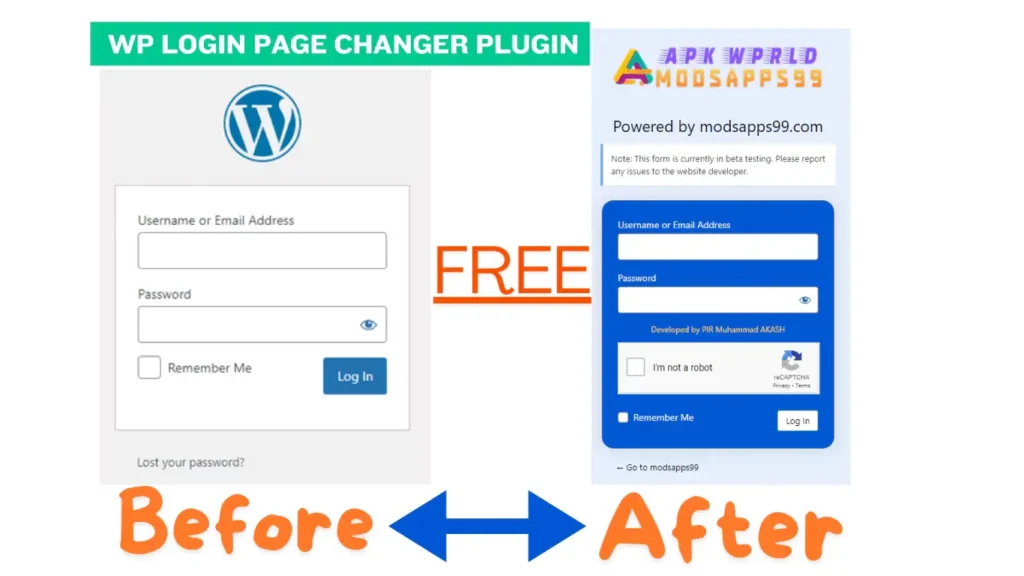
Click on images to view full size (1 images)
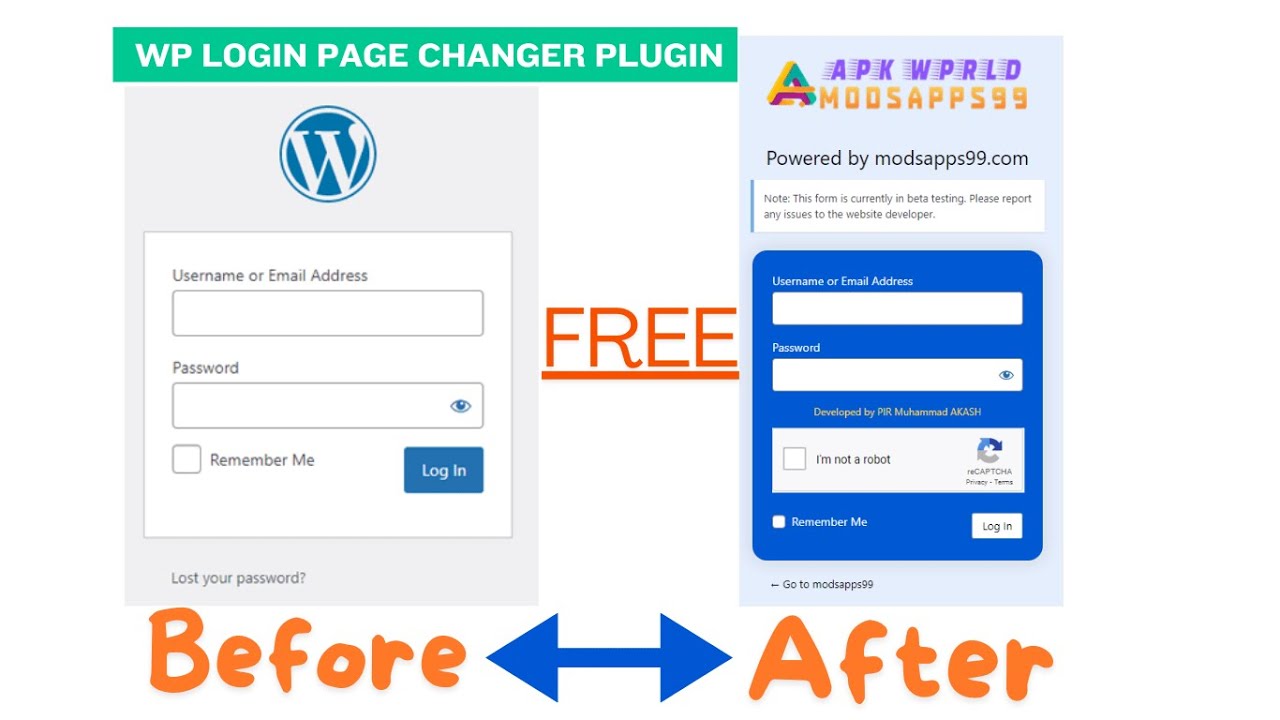
Customize your WordPress login page design for using Logo Swap: WP Login Page Changer v1.0 Replace the default logo, add custom messages, and improve branding.
Are you looking to give your WordPress login page a professional and branded look? than Logo Swap: WP Login Page Changer Plugin, a powerful yet user-friendly plugin designed to transform your login experience.
Key Features of Logo Swap: WP Login Page Changer
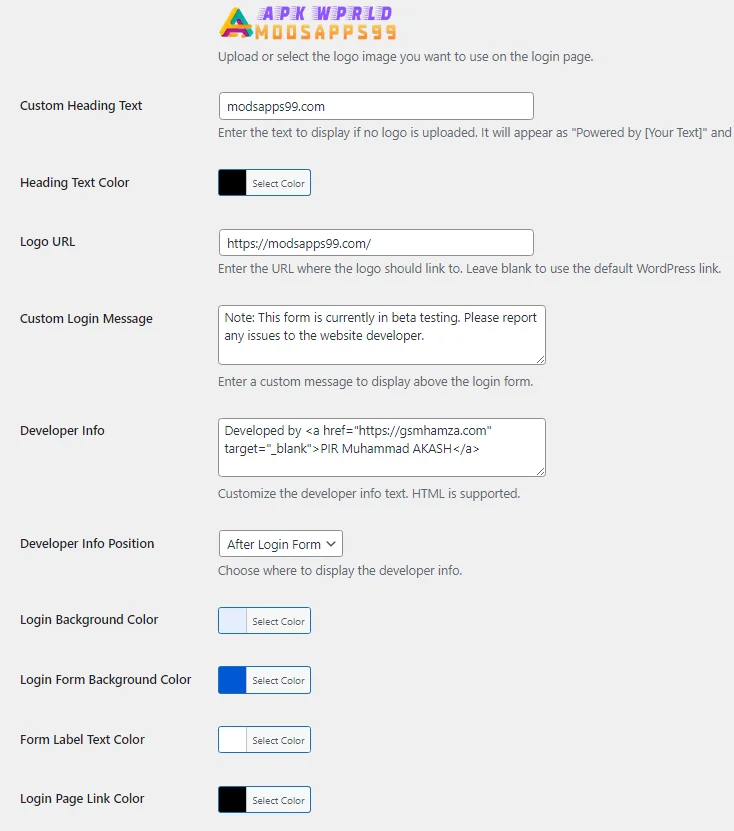
- Custom Logo Upload Easily replace the default WordPress logo with your own brand image, creating a personalized login page that reflects your website’s identity.
- Flexible Heading Options If you prefer text over images, set a custom heading to appear instead of a logo, giving you complete control over your login page’s appearance.
- Custom Login URL Redirect users to any URL of your choice when they click on the login logo, enhancing navigation and user experience.
- Personalized Welcome Message Add a custom message above the login form to greet users or provide important information.
- Improve user experience with customized error messages that are more informative and user-friendly.
- Easy Configuration With a simple settings page in the WordPress admin area, you can configure all options without any coding knowledge.
Why Choose Logo Swap: WP Login Page Changer?
- Boost Brand Recognition: By displaying your logo on the login page, you reinforce your brand identity from the moment users access your site.
- Improve User Experience: Custom messages and error texts help guide users through the login process more effectively.
- Professional Appearance: A branded login page adds a touch of professionalism to your WordPress site.
- No Coding Required: The plugin’s interface makes customization accessible to users of all skill levels.
- Lightweight and Efficient: Designed to work without slowing down your site.
Getting Started with Logo Swap: WP Login Page Changer
- Install and activate the plugin from the WordPress repository.
- Navigate to Settings > Login Logo Changer in your WordPress admin panel.
- Upload your custom logo or set a text heading.
- Configure additional options like custom URL and welcome message.
- Save your changes and enjoy your newly customized login page!
More Easy to Install Plugin Watch Video
Easy Installation
Simple setup process with clear instructions
Safe & Secure
Scanned and verified free from malware
Fast Download
Multiple mirror servers for fastest download speeds
Minimum Requirements
Operating SystemWindows 7 / Android 5.0
Processor1 GHz
RAM512 MB
Storage100 MB free space
Recommended
Operating SystemWindows 10/11 / Android 10+
Processor2 GHz Dual Core
RAM2 GB
Storage500 MB free space
v1.0October 9, 2024Latest
- Latest version with all current features
- Bug fixes and performance improvements
- Security updates and patches
- Compatibility improvements
0.0
0 reviews
Rate & Review This Software
User Reviews
No reviews yet. Be the first to review!
About the Author / Developer