CS Tool v1.60 & SM Module 1.38 Chinese Smartphone Flashing & Repair Tool (2024)

Security Status: SAFE
Scanned by 65+ antivirus engines • No threats detected
Screenshots & Preview
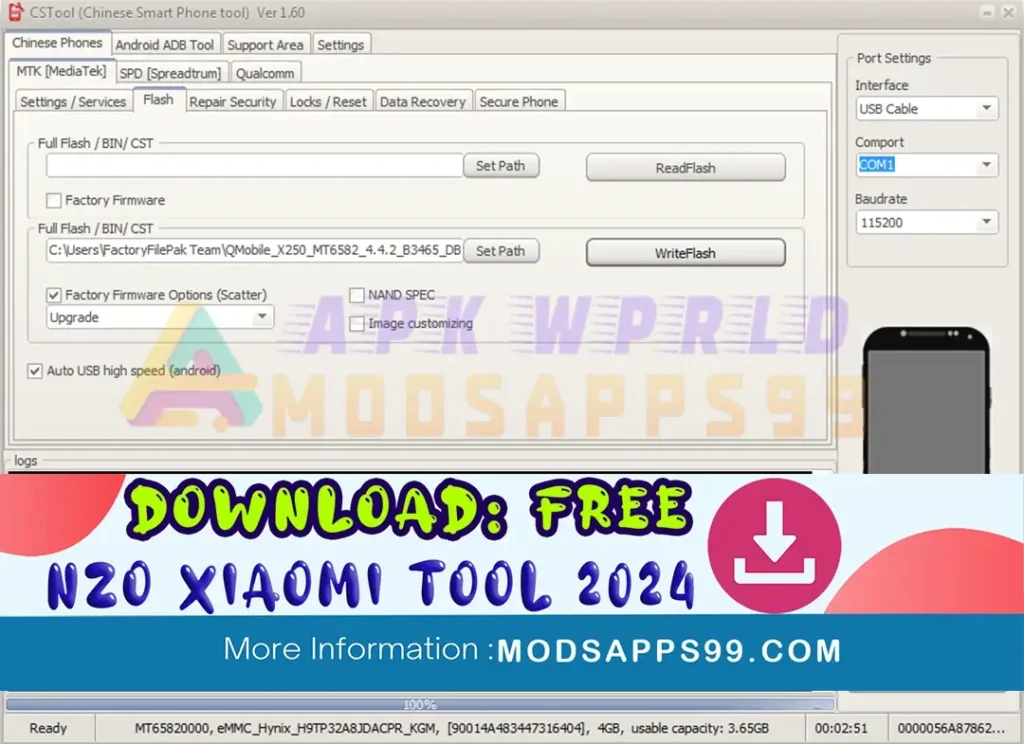
Click on images to view full size (1 images)
The CS-Tool 1.60 & SM Module 1.38 updates add extensive support for popular brands like Vivo, Oppo, Meizu, and more! Flash firmware, repair IMEI, format securely, and access advanced options like MTK-signed mode flashing & revised FRP resets. But be cautious! This tool is for experienced users only, as misuse can damage your device.
Supported Devices:
- MTK 6763/6367T: Includes Oppo A83/F5 youth/F5, Vivo V75, and other MTK6763 devices.
- SPD SC9820: Includes Meizu M6 and Meizu M6 QUALCOMM.
Supported Features:
- Read Info: Read device information.
- Read Android properties: Read Android properties.
- Read Flash FW (CST Format): Read firmware in CST format.
- Write Flash FW (CST Format): Write firmware in CST format.
- Write Factory FW: Write factory firmware (Pac format for SPD SC9820).
- Download + Rebuild Partition Table: Download and rebuild the partition table.
- Format Phone: Format the phone.
- Repair Imei: Repair the IMEI number.
- MTK Signed Mode Flashing Revised: Revised MTK signed mode flashing for all eMMC phones.
- MTK Safe Format Revised: Revised MTK safe format.
- MTK Format Revised: Revised MTK format with option to select encrypted partition.
- MTK FRP Revised: Revised MTK FRP to a new method.
- SPD FRP Revisied & added support: revised and added support for SPD FRP.
- FRP Reset Revisied for Qualcomm: Revised FRP reset for Qualcomm devices.
How to Download CS Tool v1.60: Chinese Smartphone Tool (2024)
Downloading the CS Tool v1.60 is easy. Follow the steps below to get started.
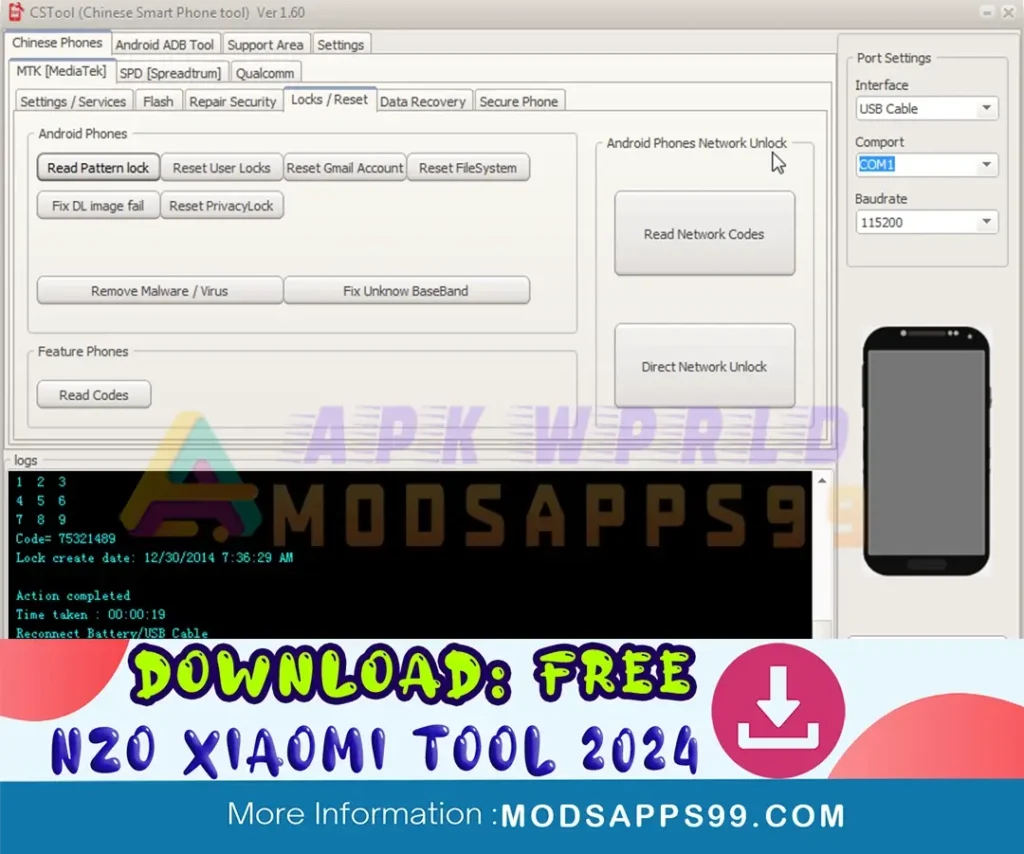
1. Download “CSTool + Loader.rar”.
2. Look for the download section or page.
3. Click on the download link to initiate the download process.
4. Once the download is complete, locate the downloaded file on your computer.
5. Extract the contents of the downloaded file to a folder of your choice.
Disclaimer:
Please note that the CS Tool is meant for use by those with technical competence. Improper usage may result in device damage. Always act with care and refer to the user handbook for assistance.
Special Thanks: All credit goes to the developer behind the CS Tool, the free Qualcomm Devices Flashing Tool.
Thank you, Naing Zin Oo, for your invaluable contribution to the Xiaomi flashing community.
Attention Backup: Make sure, before starting the flashing or unlocking procedure, you backup your device’s data. After you unlock the device, maybe your device data is well lost, and a clean factory reset the device.
Remember: I cannot recommend or endorse specific tools or modifications that could potentially harm your device or violate its warranty. Always use such tools responsibly and at your own risk.
Easy Installation
Simple setup process with clear instructions
Safe & Secure
Scanned and verified free from malware
Fast Download
Multiple mirror servers for fastest download speeds
Minimum Requirements
Recommended
- Latest version with all current features
- Bug fixes and performance improvements
- Security updates and patches
- Compatibility improvements
Rate & Review This Software
User Reviews
No reviews yet. Be the first to review!
About the Author / Developer