
PL Tool v1.0: free gsm Unlock and Repair Tool

Security Status: SAFE
Scanned by 65+ antivirus engines • No threats detected
Screenshots & Preview
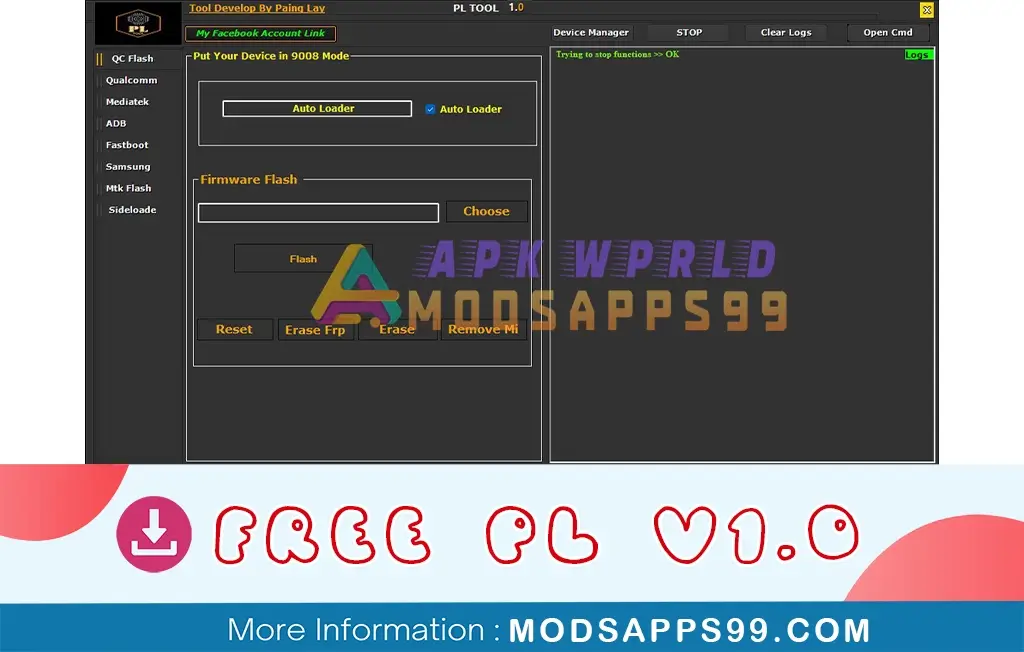
Click on images to view full size (1 images)
PL Tool v1.0 feature for unlock and repair tool for Android devices. This powerful tool can bypass FRP lock, remove Mi accounts, enable ADB, and flash firmware using auth bypass on Qualcomm devices. It supports reading information, safe formatting, and rebooting many brands like Samsung, Vivo, and Huawei.
Feature PL Tool v1.0
- Supported Chipsets: Qualcomm, MediaTek
- General Functions:
- Flashing Firmware (Installing new operating system)
- Resetting FRP Lock (Factory Reset Protection, a security feature to prevent unauthorized access)
- Bypassing User Accounts (Security risk, proceed with caution)
- Qualcomm Specific Functions:
- Entering EDL 9008 Mode (Emergency Download Mode)
- Flashing Firmware with Auto Loader
- Resetting and Erasing Data (including FRP)
- Removing Mi Account (Xiaomi specific)
- MediaTek Specific Functions:
- Formatting User Data (both new and old model methods)
- Flashing for specific Oppo models
- Writing User Data (potentially fixing Oppo auto-recovery issues)
- Resetting FRP Lock (including Samsung)
- Bypassing Xiaomi Account and Bootloader Locking/Unlocking
- Authentication Bypass (Security Risk; proceed with caution)
- Fixing DM-Verification (security feature)
- Flashing User Data (potentially for downgrading)
- Bypassing Mi Account on specific Xiaomi models
How to install PL v1.0
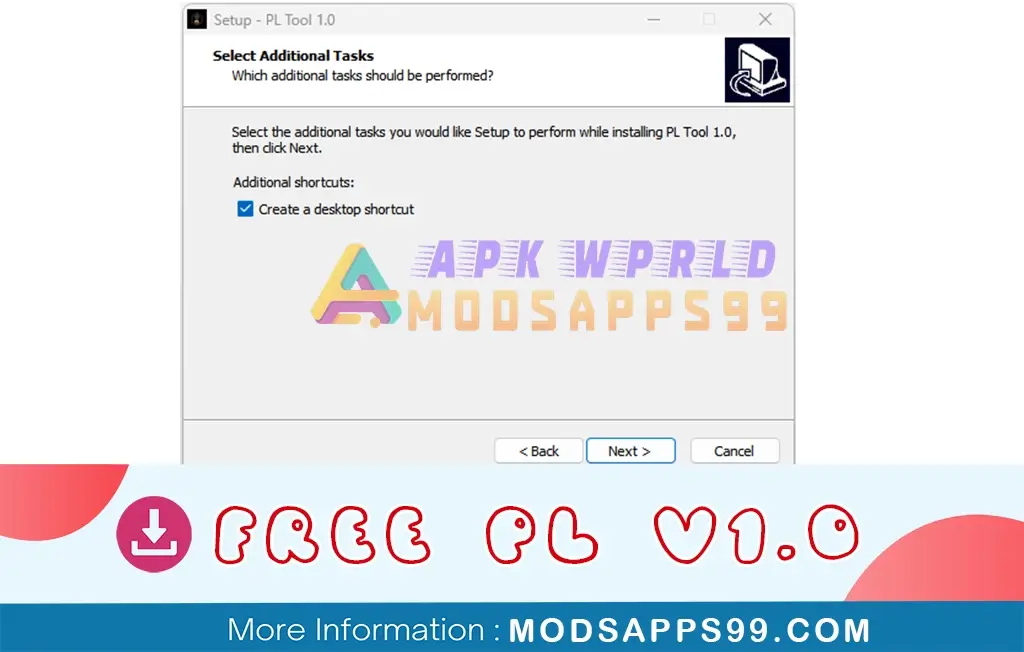
- Download “Install PL 1.0.zip”.
- Look for the download section or page.
- Click on the download link to initiate the download process.
- Once the download is complete, locate the downloaded file on your computer.
- Extract the contents of the downloaded file to a folder of your choice.
- Run as an administrator and install “PL 1.0.exe” Follow the software’s instructions.
- Enjoy!
Disclaimer:
Special Thanks: All credit goes to Paing Lay, the developer behind the free PL v1.0.
Attention Backup: Make sure, before starting the flashing or unlocking procedure, you backup your device’s data. After you unlock the device, maybe your device data is well lost, and a clean factory reset the device.
Easy Installation
Simple setup process with clear instructions
Safe & Secure
Scanned and verified free from malware
Fast Download
Multiple mirror servers for fastest download speeds
Minimum Requirements
Recommended
- Latest version with all current features
- Bug fixes and performance improvements
- Security updates and patches
- Compatibility improvements
Rate & Review This Software
User Reviews
No reviews yet. Be the first to review!
About the Author / Developer







This is everything people say
This is everything people say thanks so much