TFT Unlock Tool 2024 (v4.4.0.0): Fix Huawei ID, FRP, IMEI (Auto Update, QR Gen)

Security Status: SAFE
Scanned by 65+ antivirus engines • No threats detected
Screenshots & Preview
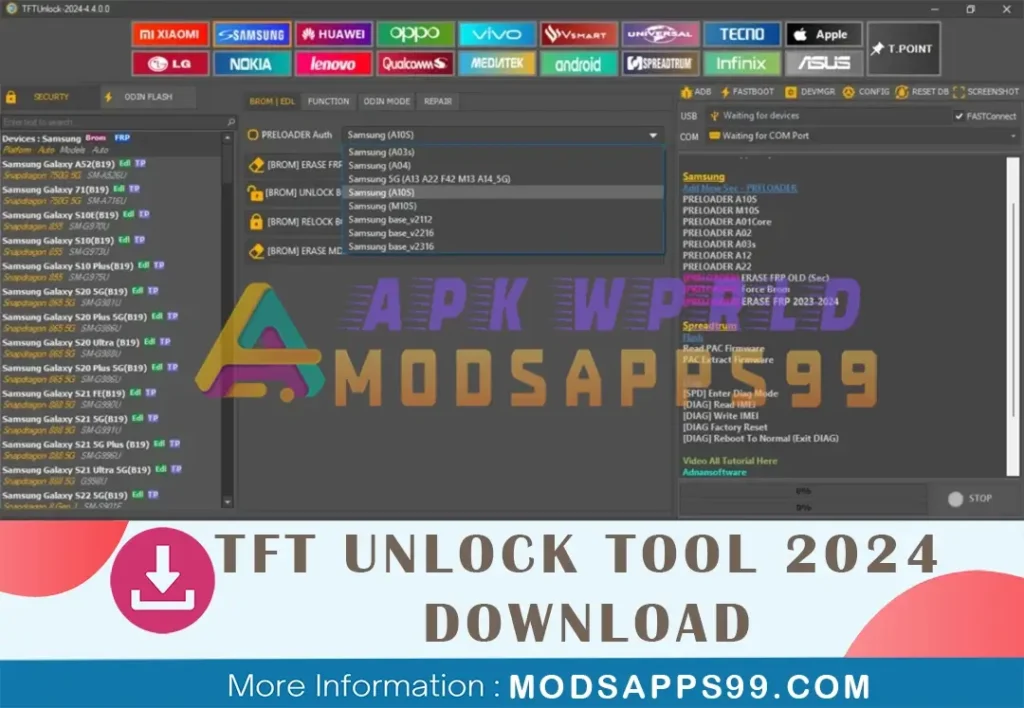
Click on images to view full size (1 images)
The latest TFT Unlock Tool 2024-v4.4.0.0 auto update fixes apps, keyboard, and IMEI issues after erasing Huawei ID in Brom mode. It also adds QR code generation and improved FRP removal across Samsung and Spreadtrum devices.
What’s New Added TFT Unlock Tools-2024-4. 4.0.0 Auto-update:
- Huawei:
- [BROM] Fix (apps/keyboard/imei) after erase Huawei ID
- Samsung:
- Spreadtrum:
- Flash
- Read PAC Firmware
- PAC Extract Firmware
- Diag Port
- [SPD] Enter Diag Mode
- [DIAG] Read IMEI
- [DIAG] Write IMEI
- [DIAG Factory Reset
- [DIAG] Reboot to Normal (Exit DIAG)
How To USE
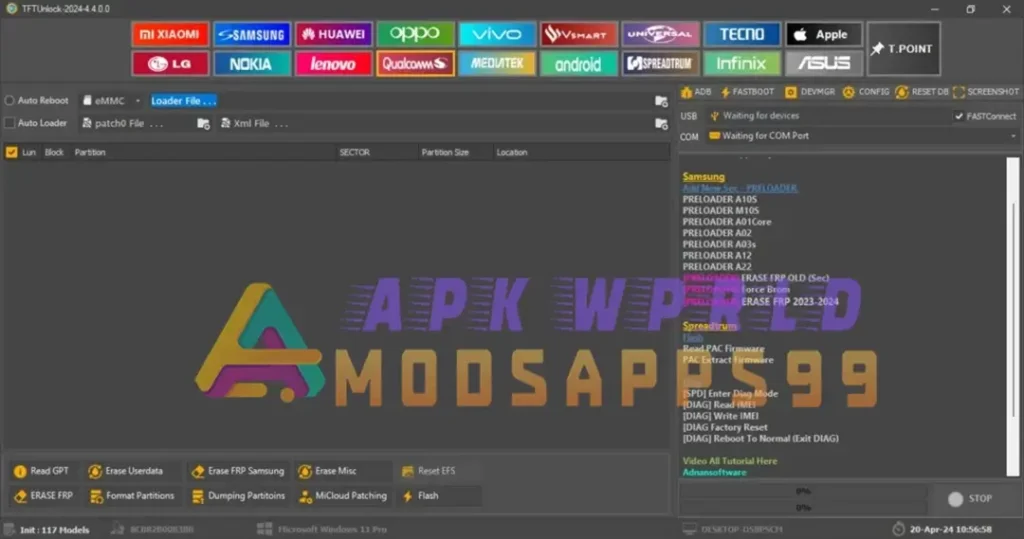
- Start by downloading the zip file from the provided link.
- Unzip all the files to your C: drive.
- Make sure to disable your antivirus software temporarily.
- Installation Password: TFT
- Open the folder where you unzipped the files and run the setup file. Follow the basic instructions to complete the installation process.
- After installation, you’ll find a shortcut named “TFT Unlock Tools-2024-4.0.0.0.exe” on your desktop. Double-click it to launch the software.
- Enjoy: You’re all set!
Disclaimer:
Special Thanks: All credit goes to IQ Team, for the developer.
Attention Backup: Make sure, before starting the flashing or unlocking procedure, you backup your device’s data. After you unlock the device, maybe your device data is well lost, and a clean factory reset the device.
Easy Installation
Simple setup process with clear instructions
Safe & Secure
Scanned and verified free from malware
Fast Download
Multiple mirror servers for fastest download speeds
Minimum Requirements
Recommended
- Latest version with all current features
- Bug fixes and performance improvements
- Security updates and patches
- Compatibility improvements
Rate & Review This Software
User Reviews
No reviews yet. Be the first to review!
About the Author / Developer